This article is for Davis 360 products, which includes Dosage Calc 360, Test Success 360 and Med Term 360. While we use Dosage Calc 360 as an example, this information applies to all Davis 360 products.
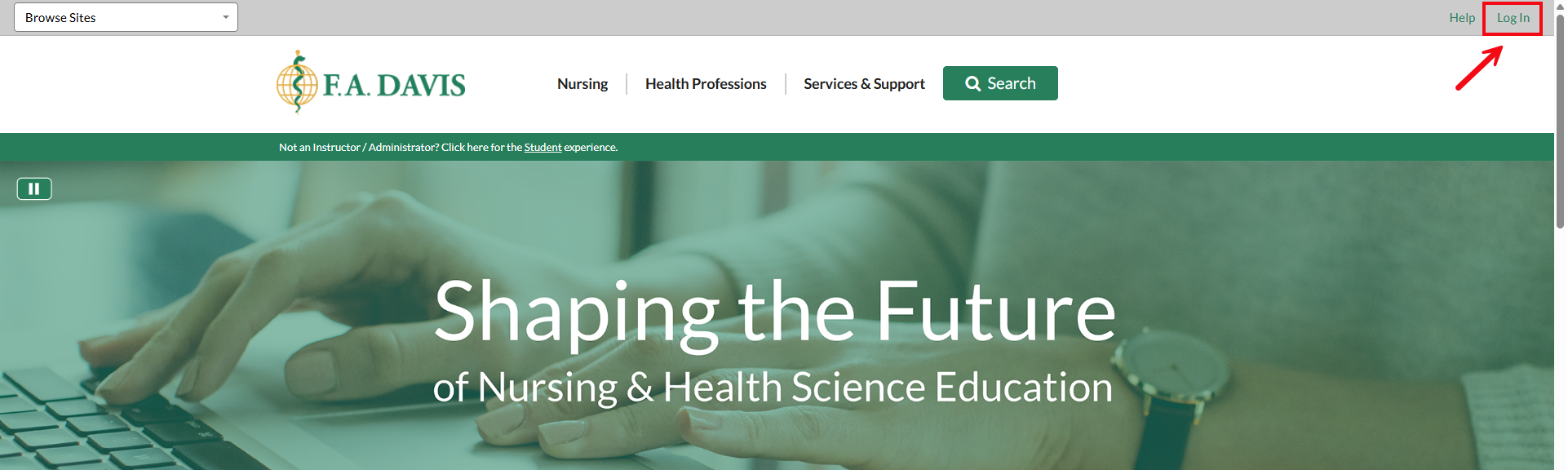
Your starting point is FADavis.com. In the top-right corner, you will see your name if you are already logged in. If you do not see your name, click Log In.
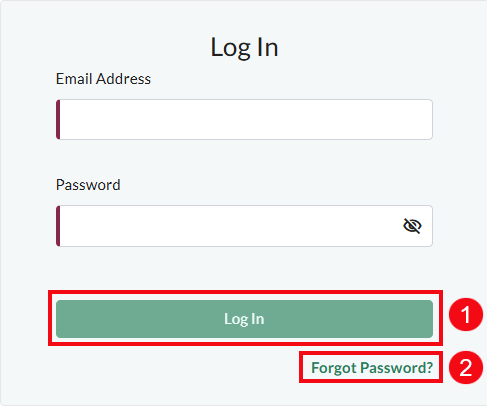
If you know your login information, enter your email and password and click Log In (1). If you know you have an account but you have forgotten your password, click Forgot Password? (2) to reset your password.
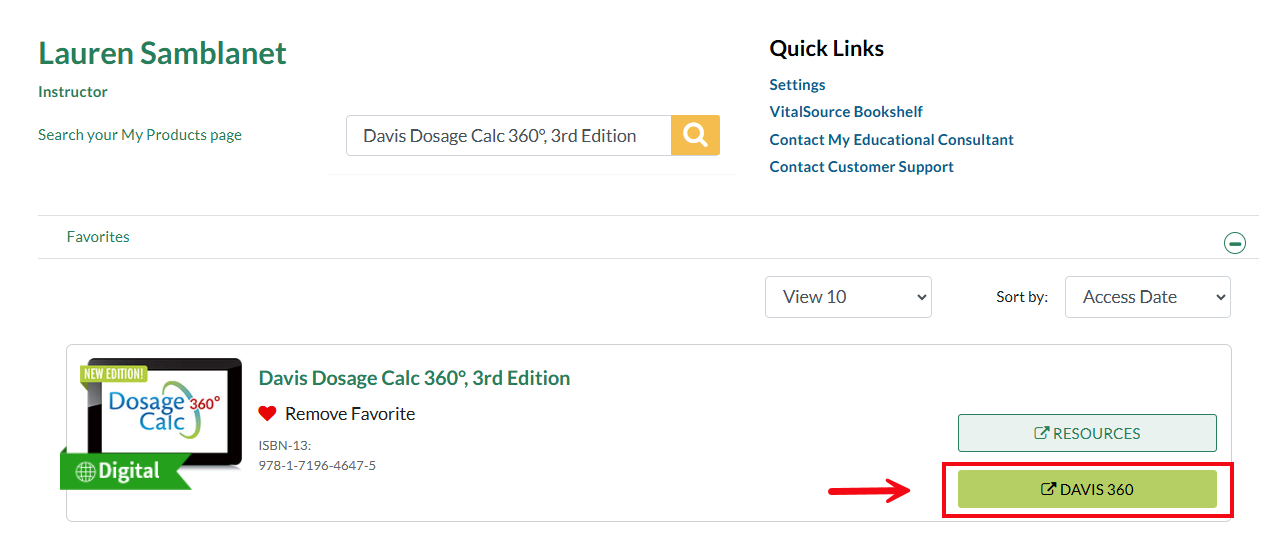
Once you are logged in at FADavis.com, your My Products page will display. Locate your Davis 360 title, and click the Davis 360 button to open the platform in a new tab.
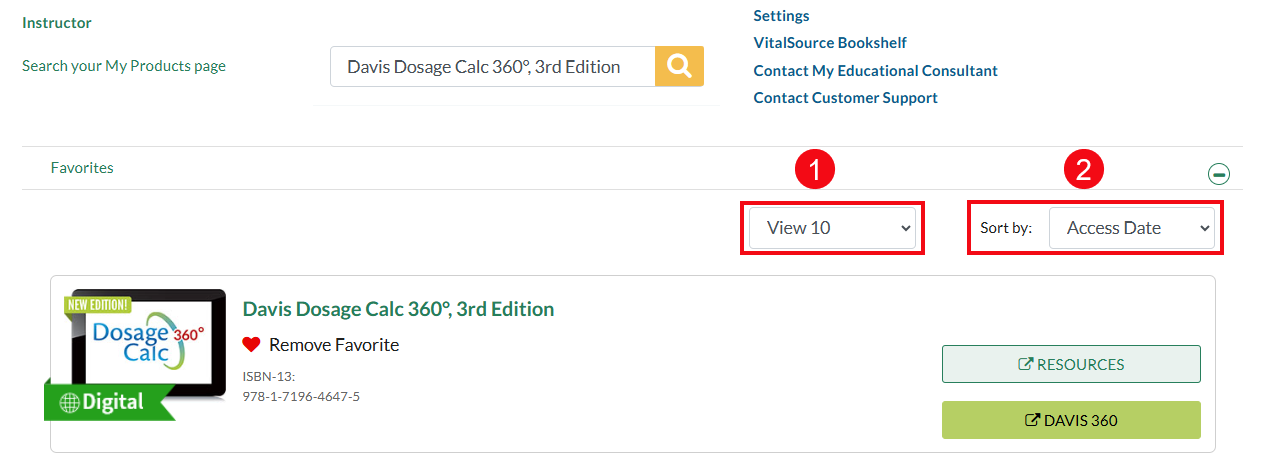
When browsing your My Products list, you can adjust the View filter (1) to display 10, 50 or all products you have access to. You can also sort by (2) Access Date (most recent), Published Date (most recent), Author’s Name (A-Z), Title, or Package.
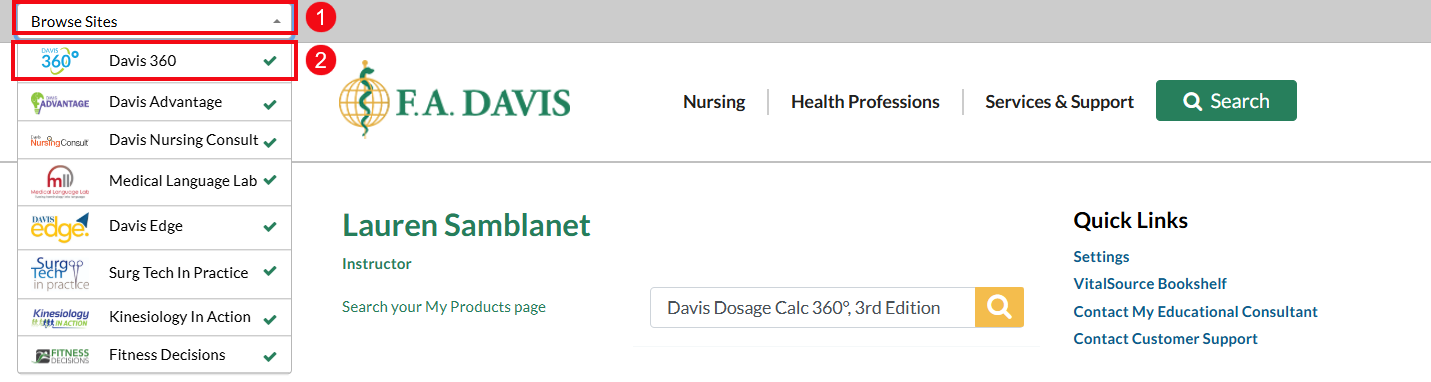
You can also access Davis 360 by using the Browse Sites dropdown menu (1) at the top-left of the page. Click Davis 360 (2).