


To access your eBook as an Instructor, log into FADavis.com with your instructor email address credentials to view your resources. If you do not have an F.A. Davis Instructor Account, please contact your Educational Consultant to be granted access. You will also need a VitalSource account to view your eBooks.
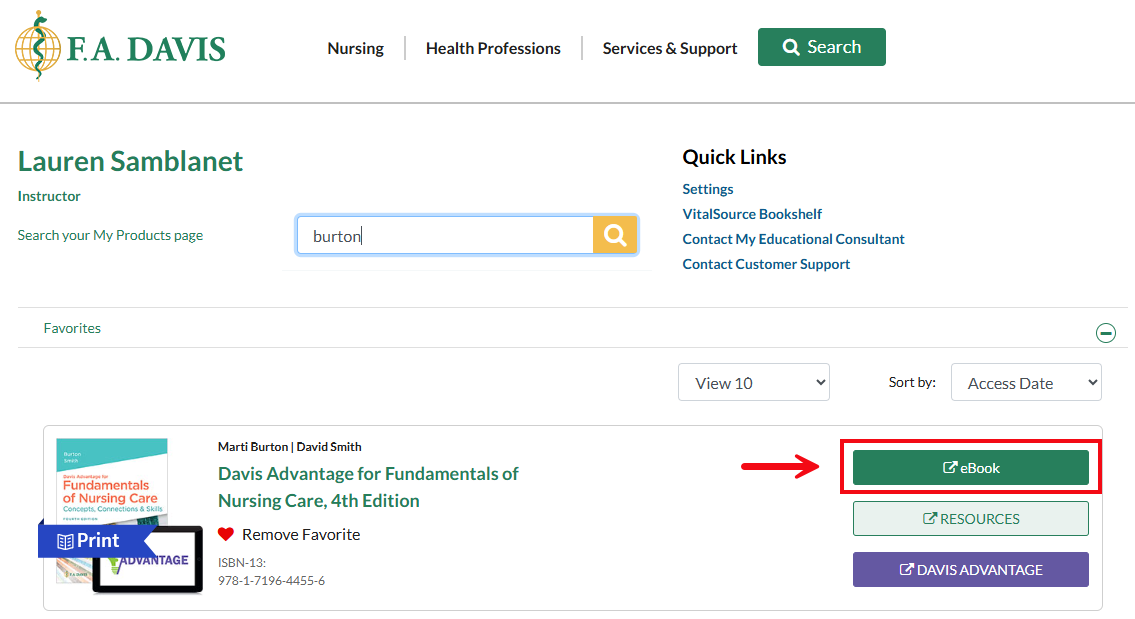
Start at your My Products page.
To begin, click the eBook button to the right of the book.
If you have an existing VitalSource account, login using your VitalSource credentials.
If you do not have a VitalSource account, create a new account.


Once you have created your account, it will automatically link with your FADavis.com account so you can easily access eBooks from the FADavis.com My Products page. You will not have to log into VitalSource again.


